
From a street stand to a culinary legend
Open a tiny food stand, hire cooks and waiters, upgrade every machine and grow it into a famous restaurant chain. Then pack your bags: Grandpa is taking you around the world.
How it plays
Your kitchen runs itself.
You run the business.
Easy to start, hard to put down. Every coin you earn goes back into a restaurant you can watch grow.
Hire a real team
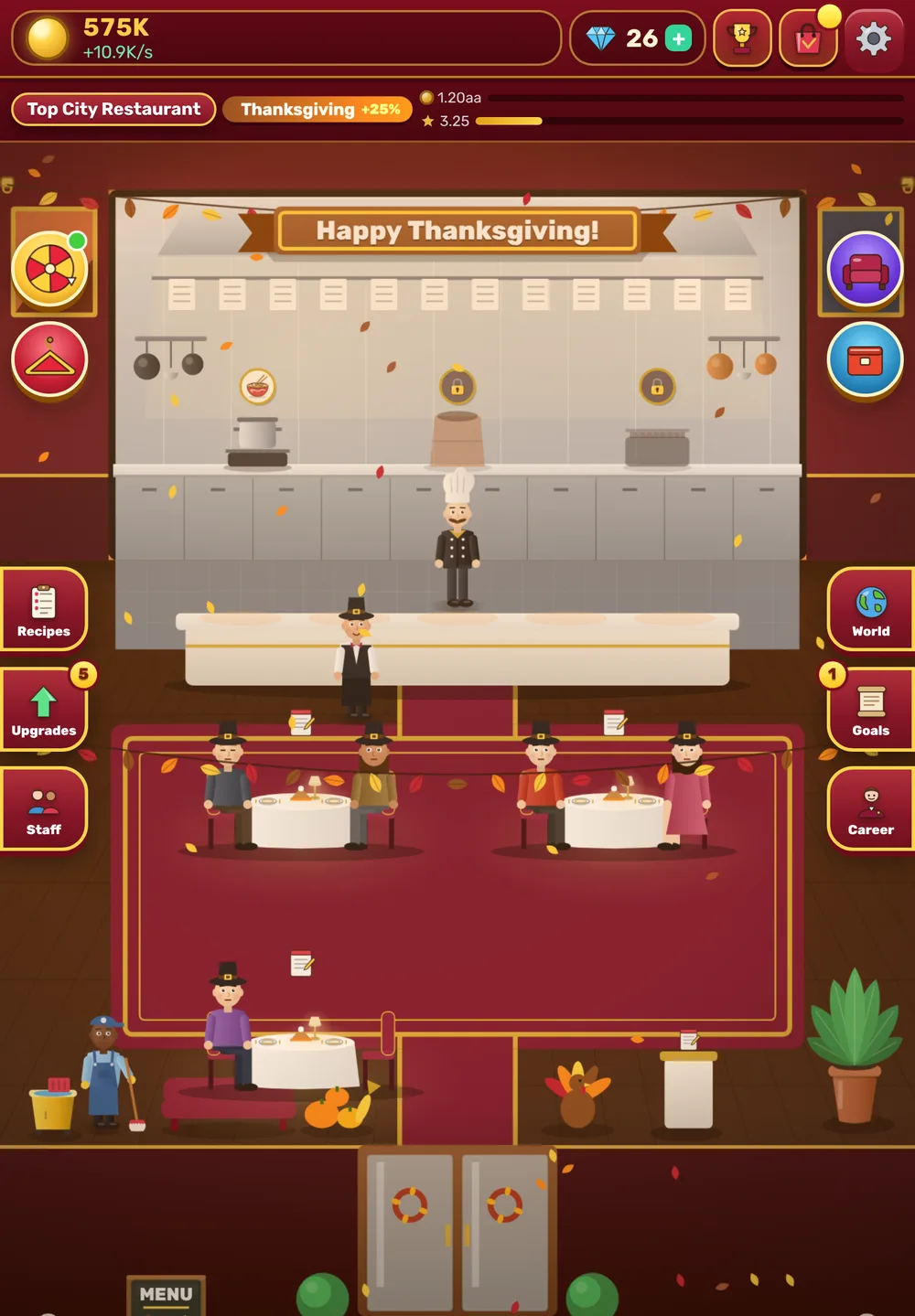
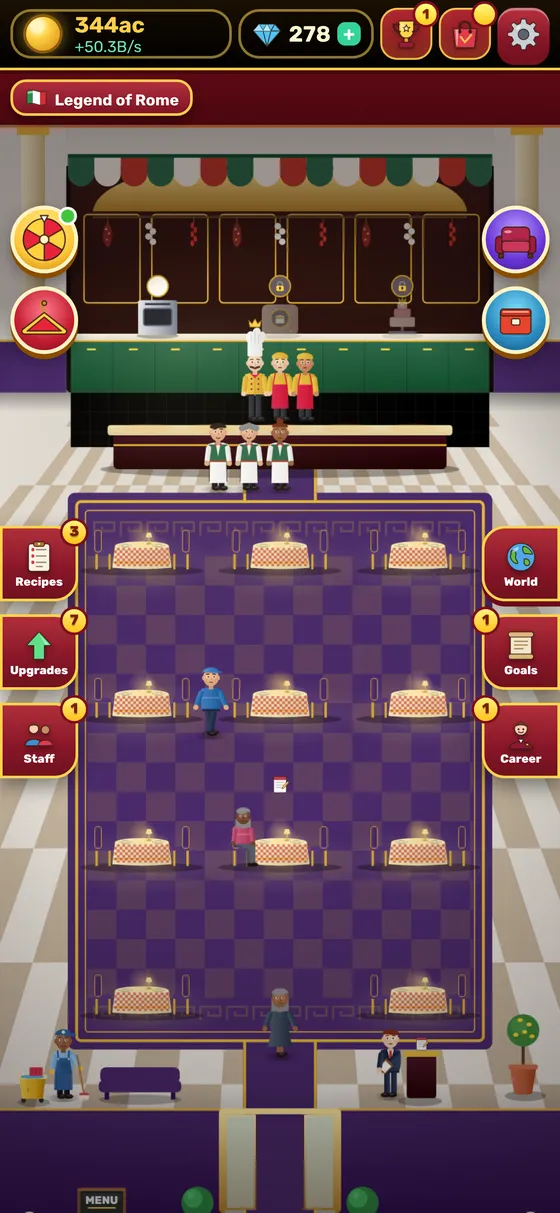
Cooks, waiters, a manager and cleaners all walk around your restaurant. Watch them cook, serve and tidy up.
Upgrade what you see
Every machine, table and decoration changes as you upgrade it, from a basic grill all the way to solid gold.
Travel with Grandpa
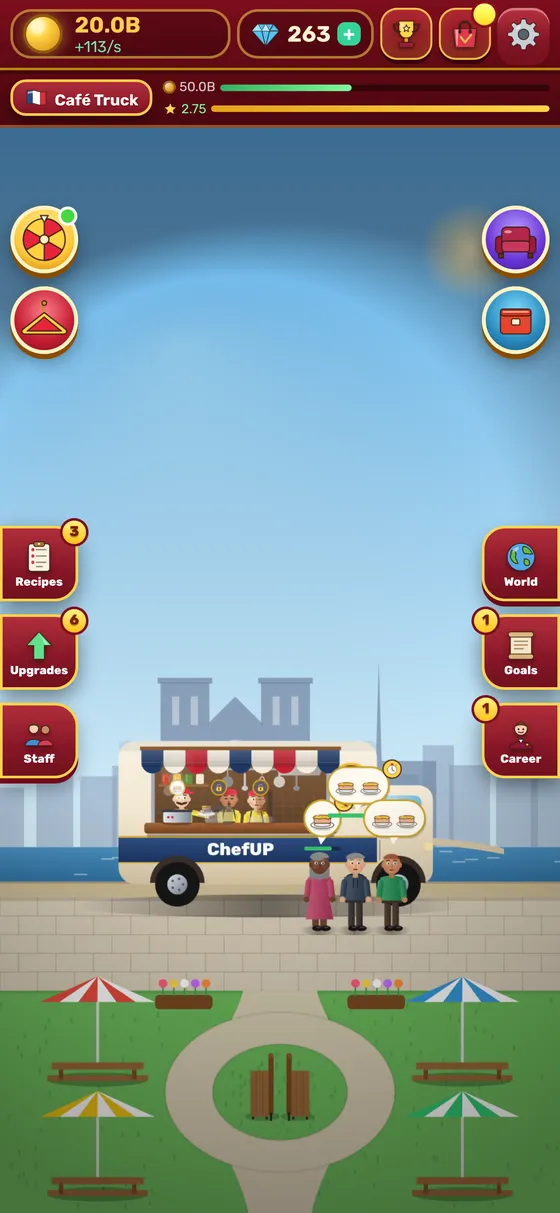
Grandpa guides you through 8 countries, each with its own local dishes, streets and landmarks.
Earns while you sleep
Your kitchen keeps cooking when the game is closed. Come back to coins, daily gifts and holiday events.
8 steps to the top
Climb, one restaurant at a time
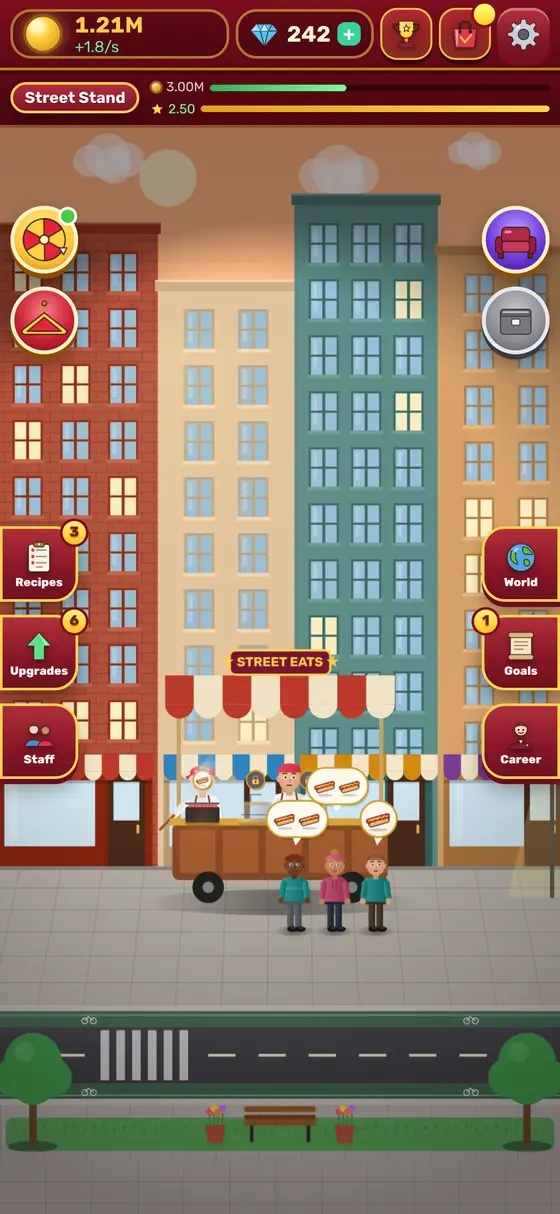
In every country you start small and work your way up to the crown.
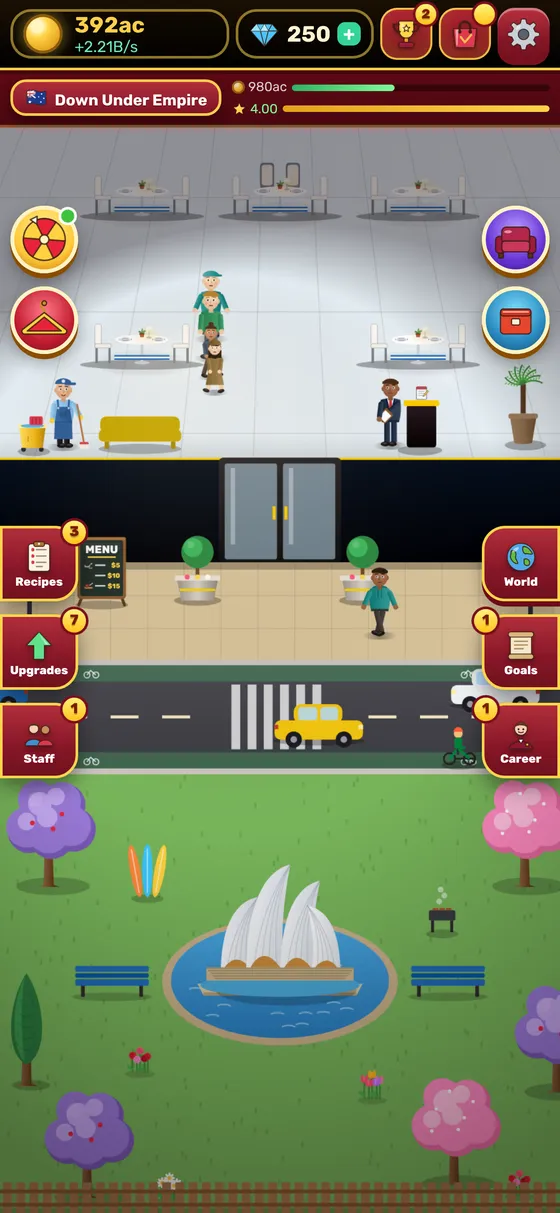
Screenshots
See it cooking
A look at all eight countries.
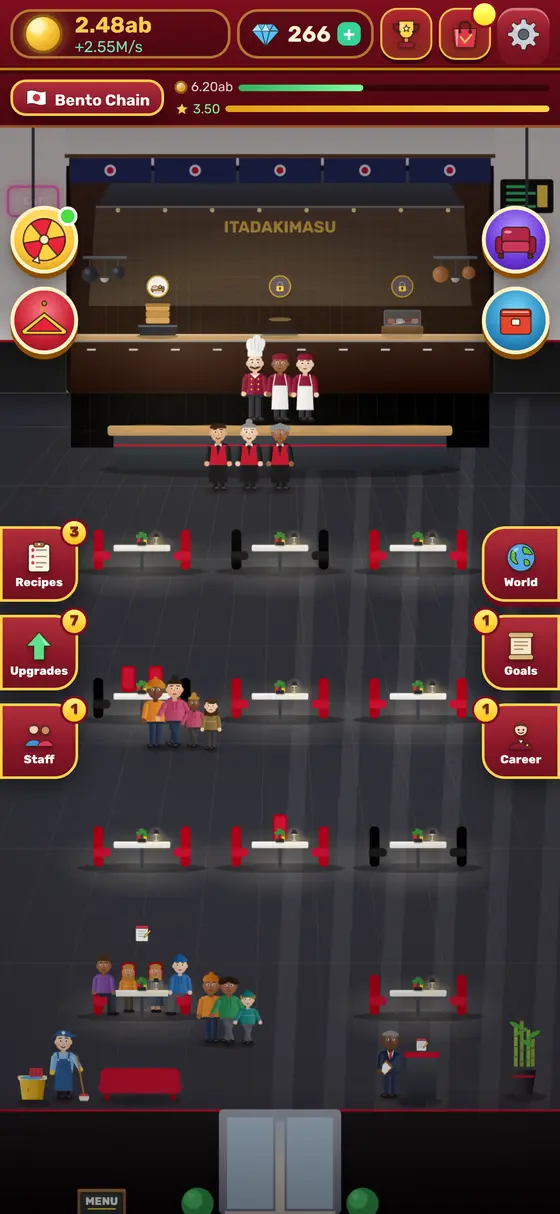
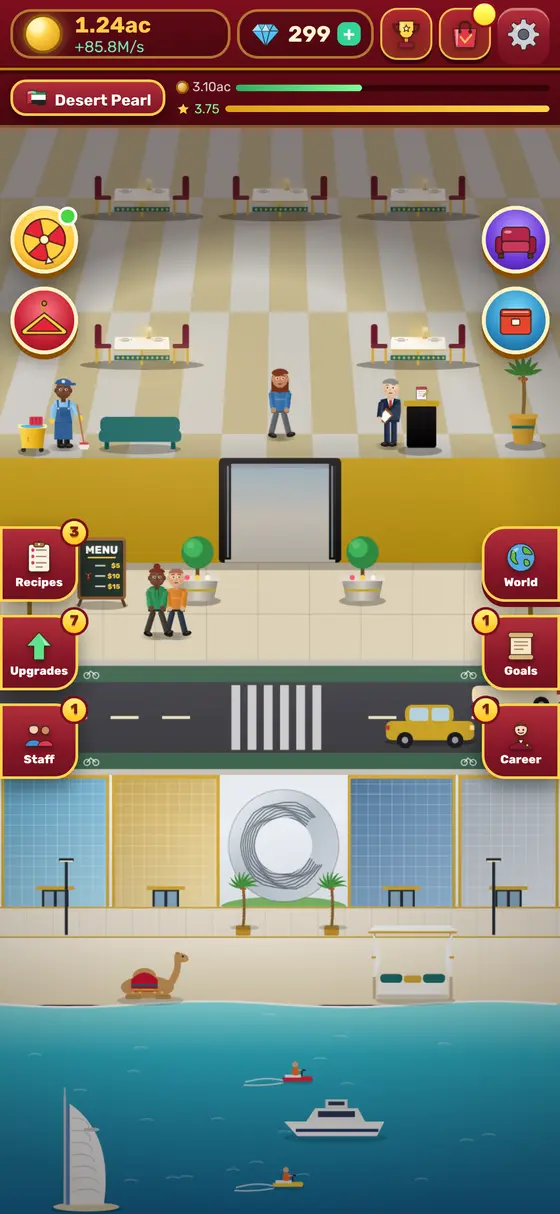
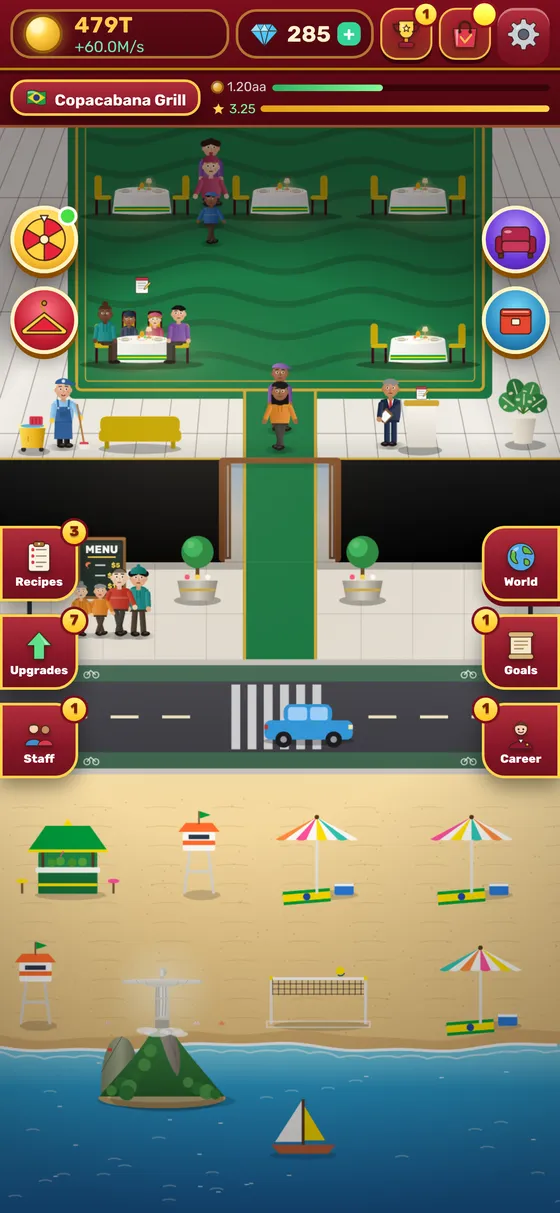
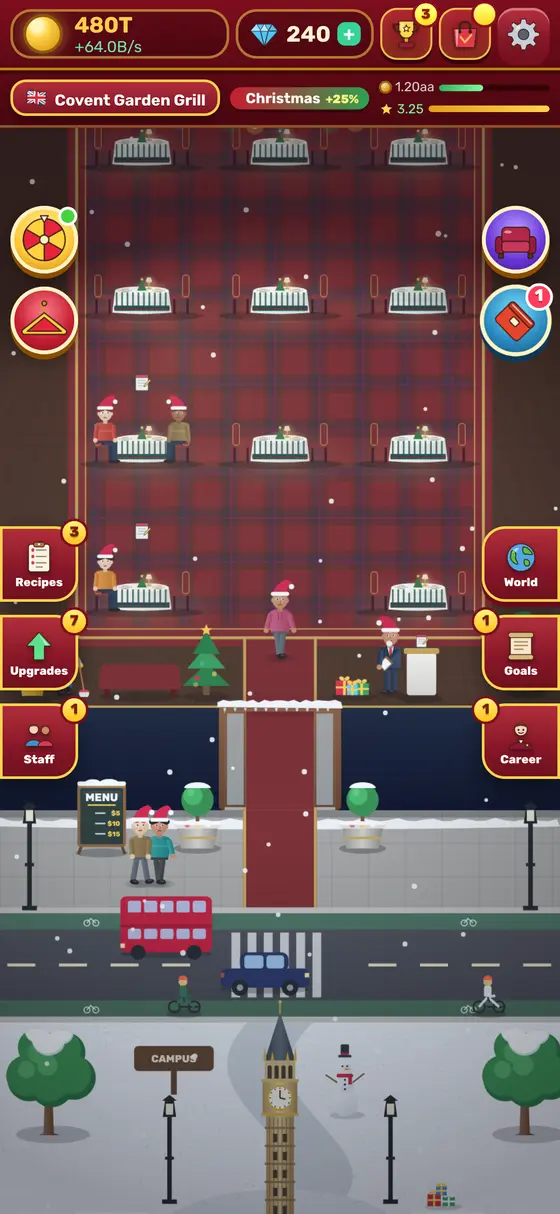
iPhone · iPad · Android
Even better on a big screen
ChefUP fits every screen, from small phones to the largest iPad. On a tablet you see more of your restaurant at once.
- Made for portrait, one hand is enough
- Plays offline, on the bus or on a plane
- No account, no sign-up
FAQ
Questions & answers
Quick answers about playing ChefUP. Still stuck? Tap Help.
Is ChefUP free?
Yes, ChefUP is free to play. There are optional purchases, like the Remove Ads perk, VIP and coin packs, but you can play the whole game for free.
When does ChefUP come out, and on which devices?
ChefUP is coming soon to iPhone, iPad and Android, on the App Store and Google Play.
Do I need internet to play?
No. ChefUP works offline, so you can play on the bus or on a plane. Ads and purchases need a connection.
Do I need an account? Where is my progress saved?
No account is needed. Your progress is saved automatically on your device. On a new phone it can come back through your phone's own backup (iCloud or Google backup).
I bought something and it's missing. What do I do?
Make sure you are signed in to the same Apple or Google account, then tap "Restore purchases" in the game. Permanent items like Remove Ads and VIP come back. Used-up items like coin packs can't be restored.
How do I get a refund?
Refunds are handled by Apple or Google. On iPhone go to reportaproblem.apple.com. On Android, open your order in Google Play.
How do I remove ads?
Most ads in ChefUP are optional videos you choose to watch for a reward. The Remove Ads perk in the shop turns off the occasional full-screen ad.
Is ChefUP OK for kids?
Yes. ChefUP is made for every age. Players under 13 (by the birth year entered at the start) get no tracking and only family-friendly ads.
Which languages does ChefUP support?
ChefUP is available in 18 languages. You can change the language in Settings.
How do I report a bug or send an idea?
In the game, go to Settings and tap Send feedback. You can also use the Help button on this page or email support@funzelstudios.com.
Support & feedback
Found a bug or have an idea? Use Settings → Send feedback in the game, or write to us:
support@funzelstudios.comProgress is saved on your device. If you reinstall, you can get your purchases back with Restore purchases in the game.
Privacy, the short version
- ChefUP never asks for your name, email or location.
- Your game progress is saved only on your device.
- Ads come from Google AdMob, which may use your device's advertising ID. You can reset or limit it in your phone's settings.
- Purchases are handled by Apple and Google. We never see your payment details.
- Players under 13 get no tracking and only family-friendly ads.